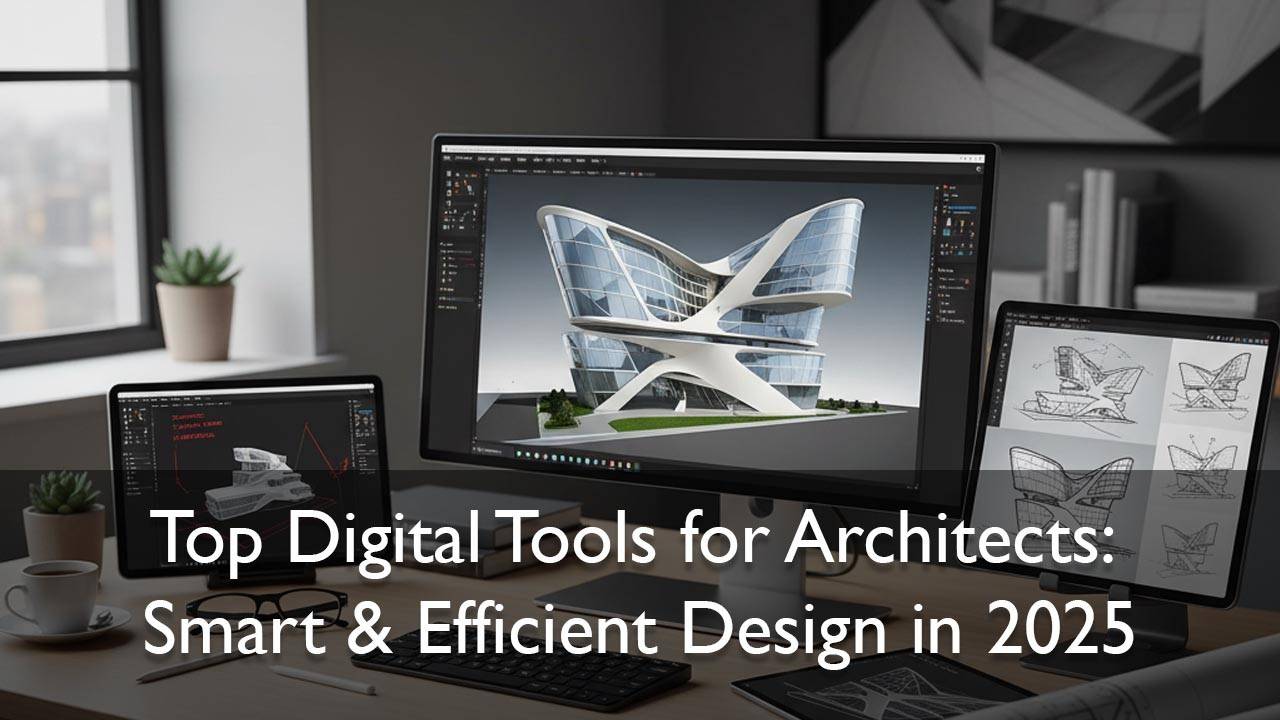
Digital Tools for Architects: Modern architecture is no longer just about creativity and vision; it heavily relies on technology to streamline design, improve efficiency, and enhance accuracy.
Digital tools have revolutionized the way architects conceptualize, plan, and execute projects, allowing them to bring innovative ideas to life faster and smarter. In this post, we explore the top digital tools every architect needs to stay ahead in the modern architectural landscape.
01. Building Information Modeling (BIM) Software
Building Information Modeling (BIM) is one of the most powerful innovations in modern architecture. Unlike traditional 2D drafting, BIM creates an intelligent 3D model that contains detailed information about every part of a building – from structural components to mechanical, electrical, and plumbing systems.
Why BIM is Essential for Architects
BIM isn’t just about creating a 3D model; it’s about improving collaboration and efficiency across the entire project lifecycle. Key benefits include:
- Enhanced Visualization: Architects and clients can explore a virtual model of the building, making it easier to spot design issues early.
- Collaboration Made Simple: Engineers, contractors, and stakeholders can work on the same model in real-time.
- Reduced Errors and Costs: BIM helps prevent clashes between systems, reducing construction rework and saving money.
- Sustainable Design: Many BIM tools can analyze energy performance, helping architects design greener, more efficient buildings.
Table of Contents
Popular BIM Software
Some of the most widely used BIM tools include:
- Autodesk Revit – Industry-leading BIM platform for architects and engineers.
- Graphisoft Archicad – Known for its intuitive interface and strong design focus.
- Vectorworks Architect – Great for smaller teams and highly creative projects.
02. 3D Modeling and Visualization Tools
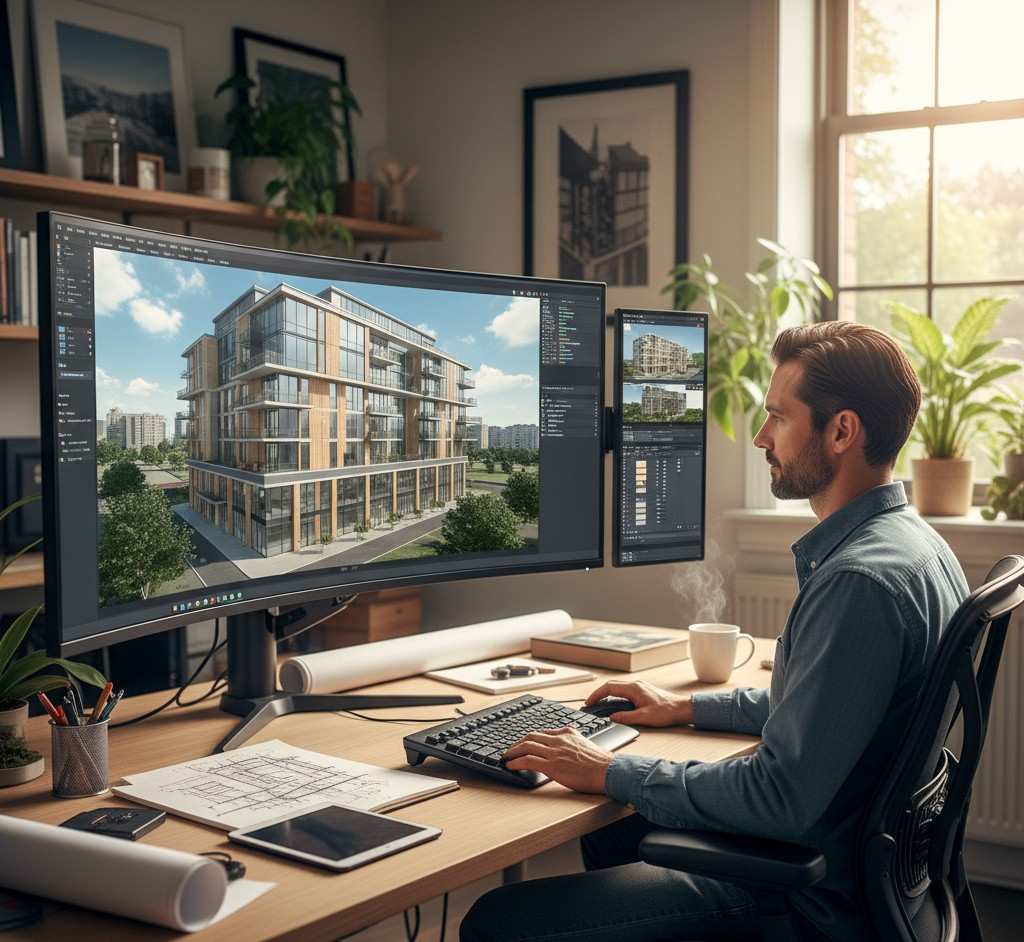
3D modeling and visualization tools are at the heart of modern architectural design. They allow architects to create detailed digital models of buildings, experiment with form and materials, and produce realistic renderings that bring concepts to life before construction begins.
3D modeling tools give architects the ability to:
- Visualize Designs Clearly: Understand scale, proportions, and spatial relationships better than with 2D drawings.
- Impress Clients: Photorealistic renderings and walkthroughs help clients “see” the project and feel confident in the design.
- Iterate Quickly: Change colors, textures, and layouts in minutes, speeding up the design process.
- Prepare for Construction: Create detailed models that contractors can reference for precise building.
Popular 3D Modeling Tools
- SketchUp: User-friendly and perfect for quick conceptual models.
- Rhino: Known for its precision and ability to handle complex, organic shapes.
- 3ds Max: Excellent for high-end visualization and animation, often used by design studios.
- Lumion / V-Ray: Rendering software that transforms 3D models into photorealistic images or animations.
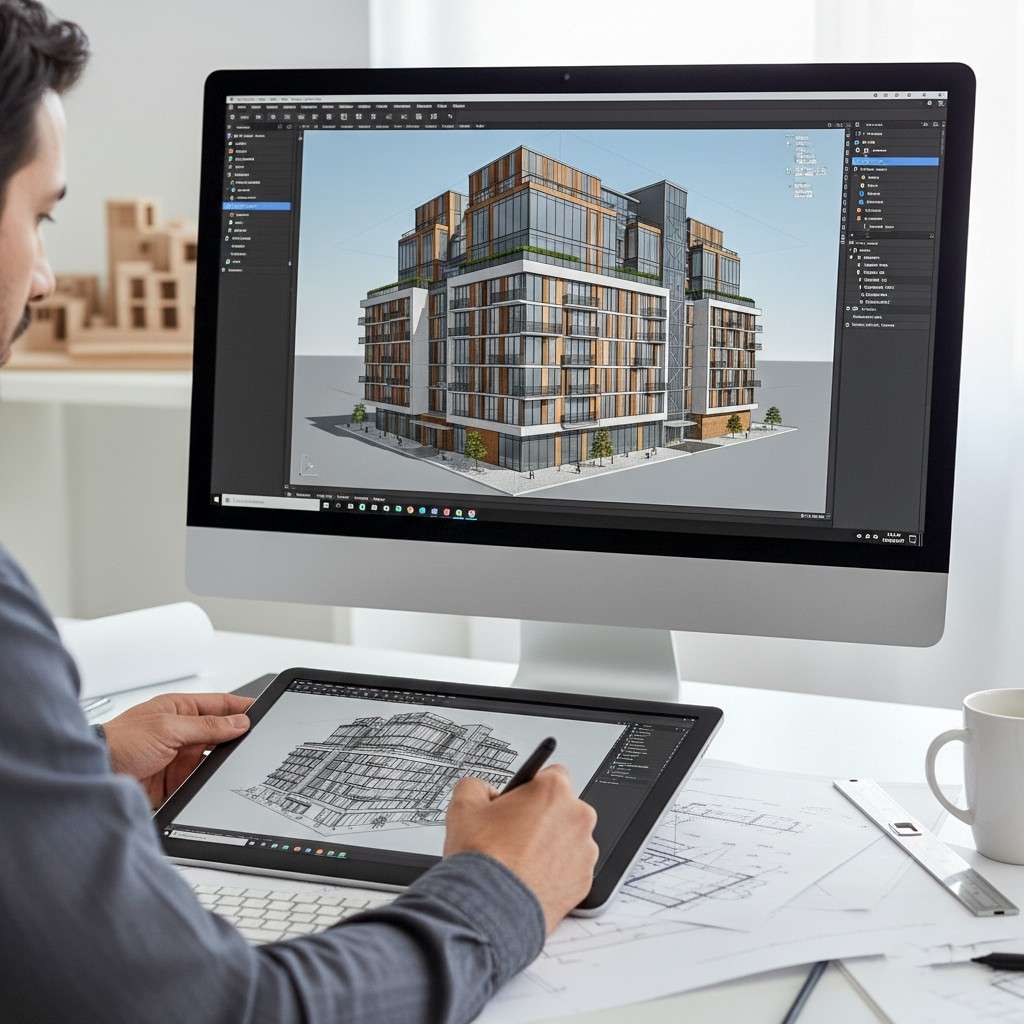
03. Computer-Aided Design (CAD) Software
Computer-Aided Design (CAD) remains one of the most important tools in architecture. It is used to create precise 2D drawings, schematics, and technical plans that are essential for construction. Even with the rise of BIM, CAD is still the backbone of many architectural workflows.
Why CAD is Essential
CAD software is widely used because it allows architects to:
- Produce Accurate Technical Drawings: Ensures exact measurements and scalable drawings.
- Standardize Documentation: Easy to share with contractors and engineers for construction.
- Work Faster: Create templates, reuse details, and edit designs efficiently.
- Integrate with Other Tools: Most CAD files can be imported into BIM or 3D modeling software, making collaboration smooth.
Popular CAD Software
- AutoCAD: The industry standard for architectural drafting, used worldwide.
- DraftSight: A cost-effective CAD alternative for 2D drawing.
- BricsCAD: Offers both 2D and 3D drafting, compatible with DWG files.
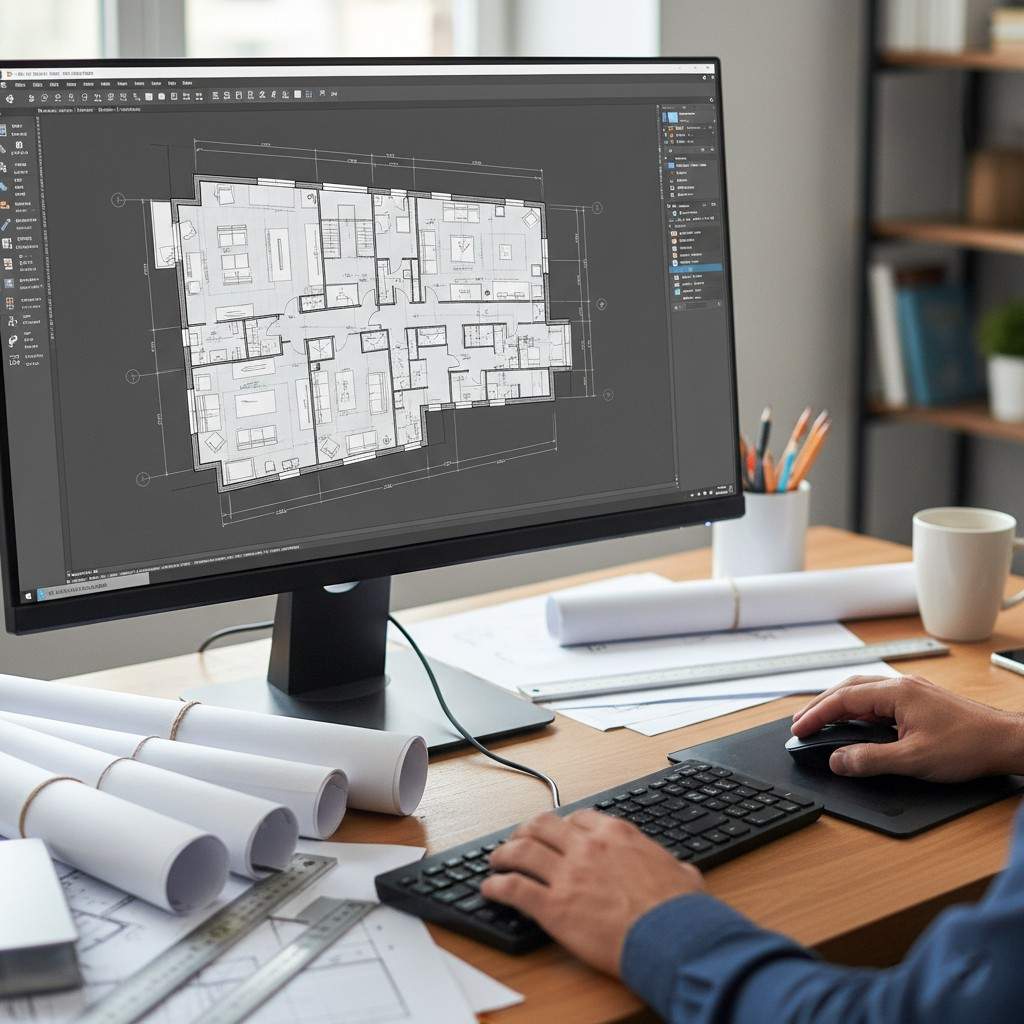
04. Virtual Reality (VR) Tools
Virtual Reality (VR) is transforming how architects present and refine their designs. With VR, clients and project stakeholders can step inside a building design before construction even begins. This immersive experience helps identify design issues early, saving both time and money.
Why VR Matters in Architecture
VR tools provide architects with the ability to:
- Create Immersive Walkthroughs: Allow clients to “walk through” spaces and experience scale, lighting, and layout in real time.
- Test Functionality and Flow: Architects can evaluate how spaces feel and make adjustments on the spot.
- Enhance Client Communication: Complex designs are easier to understand when experienced in a 3D immersive environment.
- Speed Up Approvals: Faster decision-making thanks to realistic visualization.
Popular VR Tools
- Enscape: Real-time rendering and VR walkthroughs directly from BIM models.
- Twinmotion: User-friendly software for creating VR-ready presentations quickly.
- IrisVR: Specialized for immersive collaboration in architecture and construction.

Read more about Modern architecture, click here.
05. Artificial Intelligence (AI) in Architecture
Artificial Intelligence (AI) is reshaping architecture by automating repetitive tasks and providing data-driven insights that improve design quality and efficiency. AI allows architects to make better decisions, save time, and focus on creativity rather than manual work.
Why AI Matters in Architecture
AI tools empower architects to:
- Generate Optimized Designs: AI algorithms can propose the most efficient building layouts based on space, light, and energy requirements.
- Predict Building Performance: Analyze energy efficiency, daylight penetration, and thermal comfort before construction.
- Automate Repetitive Tasks: Reduce time spent on drafting, clash detection, and documentation.
- Enhance Creativity: Free up time for architects to experiment with innovative forms and materials.
Examples of AI in Use
- Spacemaker AI: Creates optimized building layouts based on sunlight, wind, and noise analysis.
- TestFit: Automates feasibility studies for housing projects.
- Hypar: Generates parametric building systems using cloud-based AI models.

06. Collaboration and Project Management Tools
In modern architecture, design is rarely a solo effort. Collaboration and project management tools ensure that architects, engineers, contractors, and clients stay connected and work together efficiently — even when teams are spread across multiple locations.
Why Collaboration Tools Are Essential
These tools help architects to:
- Streamline Communication: Share updates, feedback, and design revisions instantly.
- Track Progress: Monitor deadlines, milestones, and deliverables for each project phase.
- Centralize Documents: Keep drawings, models, and notes in one secure place for easy access.
- Reduce Errors: Real-time updates ensure everyone is working with the latest information.
Popular Collaboration Tools
- BIM 360: Autodesk’s platform for cloud-based collaboration and document management.
- Trello / Asana: Organize tasks, assign responsibilities, and track project timelines.
- Slack / Microsoft Teams: Keep communication organized with dedicated channels for different projects.

07. Cloud-Based Design Platforms
Cloud technology has become a game-changer for architects, enabling them to store, access, and edit design files from anywhere. Cloud-based platforms eliminate the need for heavy local storage and allow real-time collaboration with global teams.
Why Cloud Platforms Matter
Cloud solutions give architects the ability to:
- Work Remotely: Access projects on the go, whether on-site or traveling.
- Maintain Version Control: Ensure everyone is working on the most up-to-date files.
- Enhance Collaboration: Multiple team members can edit or review the same file simultaneously.
- Improve Security: Cloud services offer secure backups, preventing data loss.
Popular Cloud-Based Platforms
- Autodesk Construction Cloud: Complete cloud ecosystem for design, collaboration, and construction workflows.
- Trimble Connect: Designed for sharing BIM models and construction documents.
- Google Drive / Dropbox: Simple file sharing and storage solutions for smaller teams.
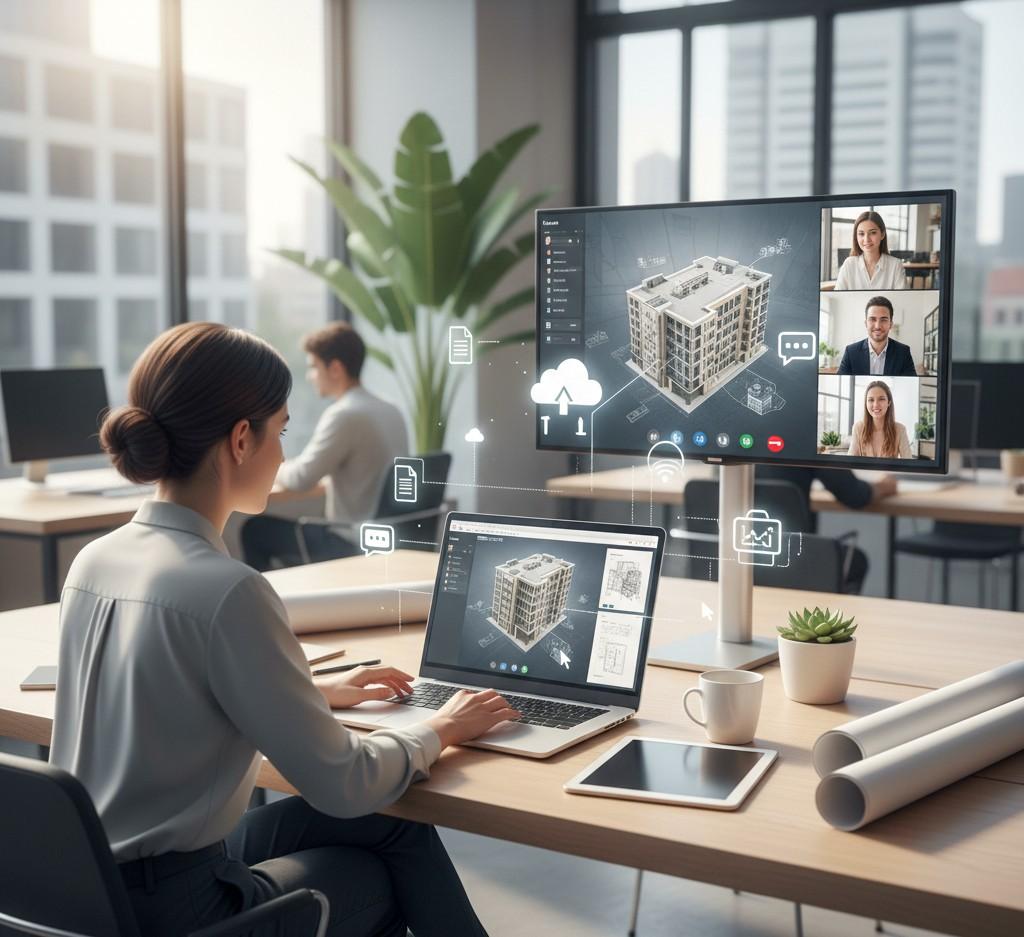
08. Conclusion
Technology has completely transformed the way architects design, collaborate, and deliver projects. From BIM software and 3D modeling tools to VR walkthroughs, AI-driven design insights, and cloud collaboration, these digital innovations make architectural work smarter, faster, and more precise.
Embracing these tools not only helps architects visualize ideas more clearly but also improves client communication, reduces costly errors, and enhances sustainability. Whether you are a solo architect or part of a large firm, staying updated with these digital solutions will give you a competitive edge in today’s ever-evolving industry.
09. FAQ.
01. What are the essential digital tools for architects
Essential digital tools include BIM software (Revit, Archicad), 3D modeling tools (SketchUp, Rhino), CAD software (AutoCAD), VR tools (Enscape, Twinmotion), AI applications (Spacemaker, TestFit), collaboration platforms (BIM 360, Trello), and cloud-based design platforms (Autodesk Construction Cloud, Google Drive). These tools help architects design smarter, improve efficiency, and enhance client communication.
02. How does BIM software help architects?
Building Information Modeling (BIM) software allows architects to create intelligent 3D models with detailed information about every building component. It improves collaboration with engineers and contractors, reduces errors, enables energy and performance analysis, and ensures accurate visualization for clients.
03. Why is VR important in architectural design?
Virtual Reality (VR) enables architects and clients to experience a building design before construction. VR walkthroughs improve spatial understanding, help identify design issues early, enhance client presentations, and speed up approvals by providing a realistic, immersive view of the project.