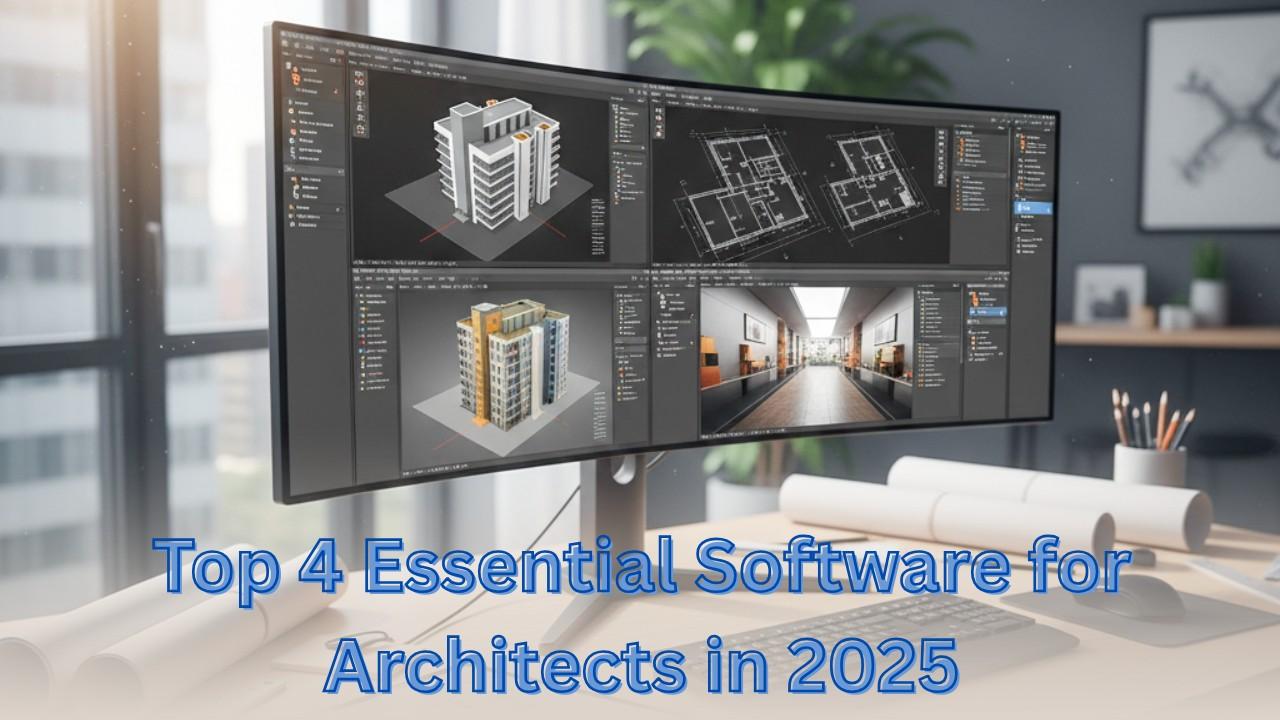
Top 4 Essential Software for Architects in 2025, architecture is more technology-driven than ever. Architects require powerful software tools to design efficiently, visualize projects, and collaborate seamlessly. Among the many options available, four programs stand out as indispensable: Autodesk Revit, AutoCAD, SketchUp, and 3ds Max.
This article explores why these tools are essential and how they help architects enhance productivity, creativity, and design precision.
Read more about top digital tools for architects
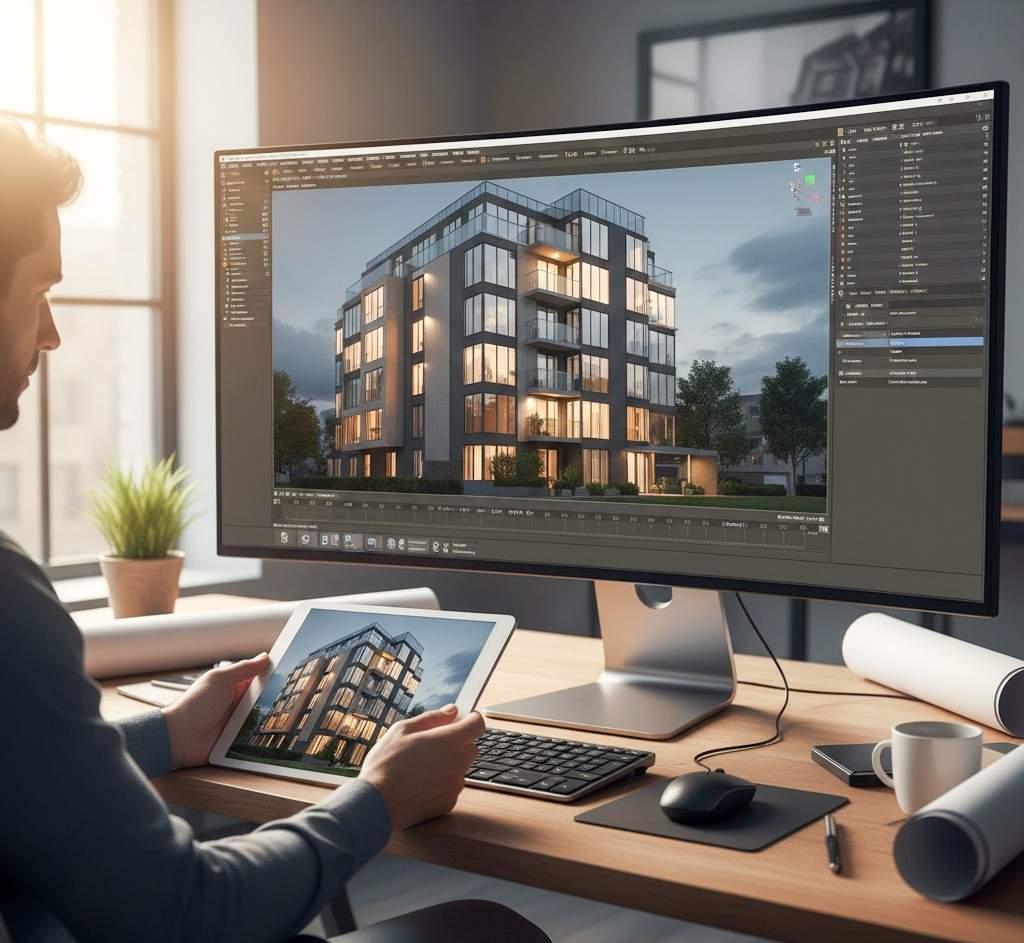
01. Autodesk Revit: The Power of BIM
Autodesk Revit is the leading Building Information Modeling (BIM) software for architects, engineers, and construction professionals. Unlike traditional CAD, Revit provides a data-rich 3D model that contains not just geometry, but information about materials, quantities, schedules, and performance. This makes it an indispensable tool for modern architectural design.
Table of Contents
Top 4 Essential Software for Architects in 2025 – Why Revit is Essential for Architects
- Intelligent 3D Modeling: Every element in the model—walls, windows, doors, structural components—is interconnected. Changes automatically update throughout the model.
- Collaboration Across Teams: Architects, structural engineers, MEP designers, and contractors can work on a shared central model, ensuring coordination and reducing errors.
- Design Accuracy & Quality: Revit helps detect clashes between building systems before construction, reducing costly mistakes.
- Sustainable & Energy-Efficient Design: Built-in analysis tools allow architects to evaluate energy use, daylighting, and HVAC performance directly from the model.
- Automated Documentation: Floor plans, elevations, sections, and schedules are automatically generated and updated, saving time and ensuring consistency.
- Parametric Design: Modify one part of the model, and Revit automatically adjusts all related components, ensuring design integrity.
Advanced Features Architects Should Use
- Worksharing: Multiple users can collaborate on the same project simultaneously in the cloud or network.
- Family Creation: Create parametric components (doors, windows, furniture) to maintain design standards.
- Phasing & Renovation Tools: Manage new construction, demolition, and renovation within the same model.
- Rendering & Visualization: Built-in rendering tools create realistic images for client presentations.
- Interoperability: Export/import models to/from AutoCAD, SketchUp, and 3ds Max for further visualization and analysis.
Popular Uses of Revit in Architecture
- Complete building modeling from concept to construction
- Multidisciplinary coordination with engineers and contractors
- Clash detection and design conflict resolution
- Energy and sustainability analysis
- Creation of construction documentation and schedules
Pro Tips for Architects Using Revit
- Use Templates and Standards: Maintain consistency across projects with standardized Revit templates.
- Leverage the Revit Library: Save time using prebuilt families and components.
- Regularly Audit and Purge Models: Keep files optimized and reduce errors.
- Combine with Visualization Tools: Export to 3ds Max or Lumion for photorealistic renderings.
- Master Worksharing and Collaboration: Use cloud-based Revit models for seamless teamwork with remote teams.
02. AutoCAD: Precision Drafting Made Simple
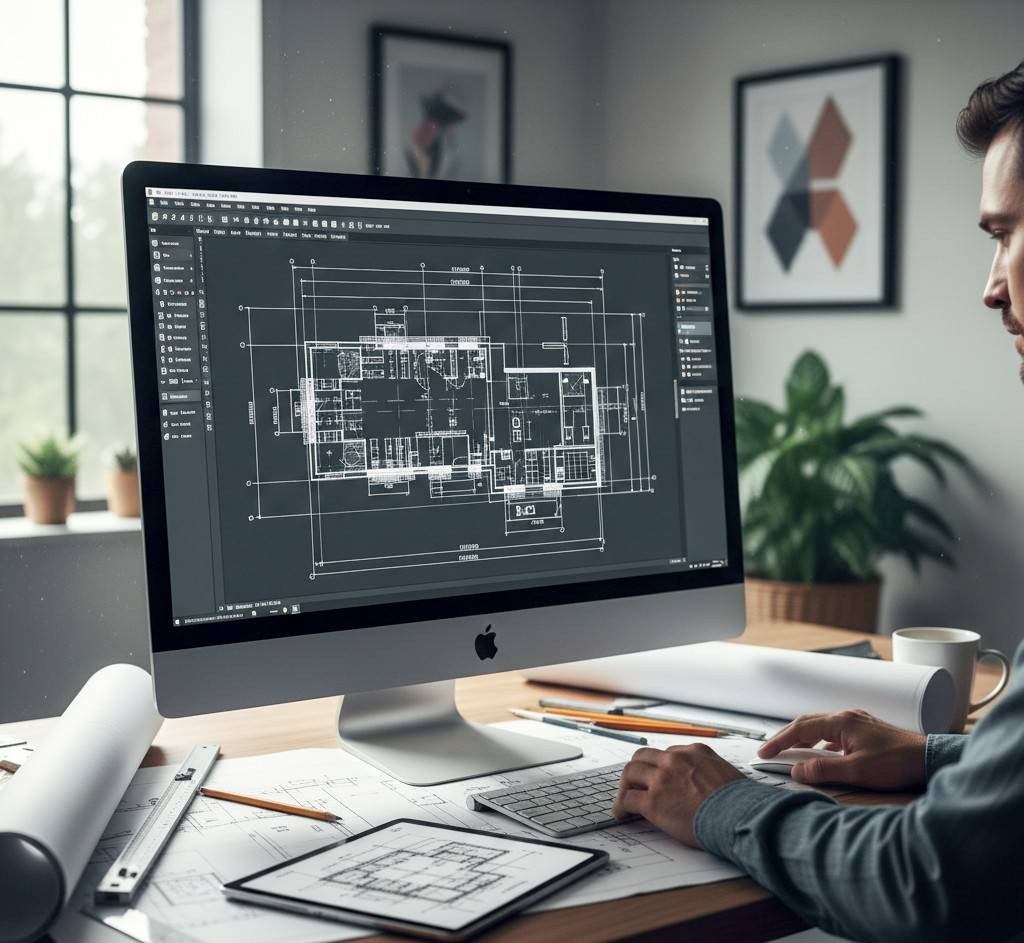
AutoCAD is one of the most fundamental tools for architects, widely recognized for its precision, reliability, and versatility. Even with the rise of 3D modeling and BIM software, AutoCAD remains indispensable for detailed technical drawings and documentation, serving as the backbone of architectural projects.
Why AutoCAD is Essential for Architects
- High Precision: AutoCAD allows architects to create exact 2D floor plans, elevations, and technical schematics with millimeter-level accuracy.
- Industry Standard: Trusted worldwide, AutoCAD drawings are easily shared with contractors, engineers, and clients.
- Customizable Workflow: Users can create templates, layers, and tool palettes to speed up repetitive tasks.
- Seamless Integration: AutoCAD files (.dwg) can be imported into Revit, SketchUp, and 3ds Max for further modeling and visualization.
- Documentation Efficiency: Automatically generate construction documents, annotations, and schedules from your drawings.
- Flexibility Across Disciplines: Supports architectural, structural, electrical, and mechanical drafting in one platform.
Advanced Features Architects Should Use
- Dynamic Blocks: Save time by creating reusable building components like doors, windows, and furniture.
- Layer Management: Organize architectural elements, annotations, and utilities for cleaner drawings.
- Annotative Objects: Ensure text, dimensions, and symbols scale correctly across multiple views.
- Xrefs (External References): Link multiple drawings into one master file for coordinated team work.
- Parametric Constraints: Maintain consistent design relationships between components automatically.
Popular Uses of AutoCAD in Architecture
- Detailed construction and technical drawings
- Layout plans, sections, and elevations
- Electrical, plumbing, and mechanical schematics
- Renovation and retrofitting plans
- Collaboration with BIM and 3D modeling software
Pro Tips for Architects Using AutoCAD
- Use Shortcuts and Custom Tool Palettes: Speed up repetitive commands and tasks.
- Regularly Audit and Purge Drawings: Keep files clean and reduce errors.
- Leverage 3D Modeling in AutoCAD: While mostly used for 2D, 3D tools can help visualize complex forms.
- Integrate with Revit or SketchUp: Export AutoCAD drawings to create BIM models or 3D presentations.
- Maintain Layer Standards: Consistent layer naming improves collaboration with engineers and consultants.
03. SketchUp: Intuitive 3D Modeling
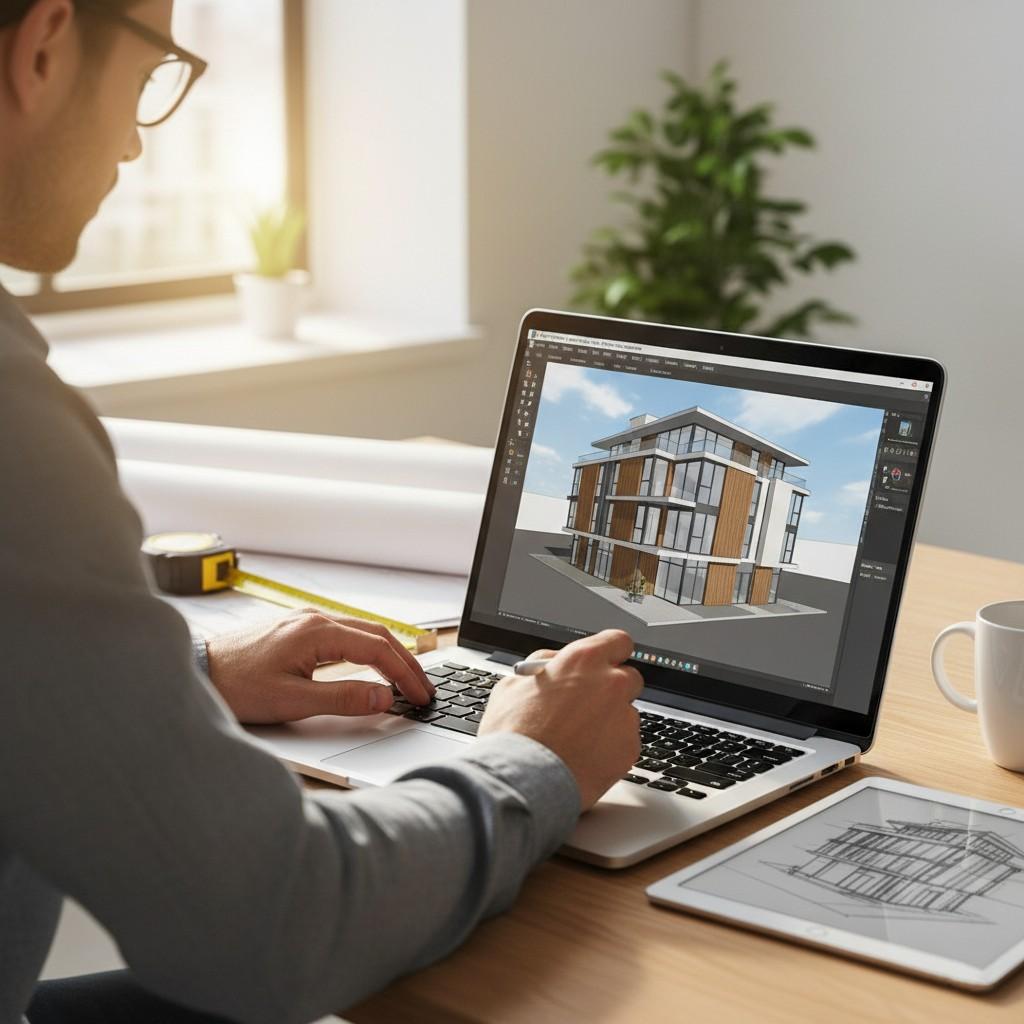
SketchUp is one of the most popular software tools for architects when it comes to 3D modeling and conceptual design. Its intuitive interface allows architects to quickly bring ideas to life in a three-dimensional space, making it ideal for both early-stage design and client presentations.
Why SketchUp is Essential for Architects
- Rapid 3D Modeling: Architects can create detailed building models quickly, allowing more time for experimentation and creativity.
- User-Friendly Interface: Minimal learning curve compared to more complex 3D software, making it accessible for teams and students.
- Flexibility with Materials & Textures: Easily apply materials, colors, and textures to visualize realistic interiors and exteriors.
- Seamless Integration: Works well with rendering plugins such as V-Ray and Lumion for photorealistic images.
- Collaboration-Friendly: Models can be exported to other software like Revit or AutoCAD for further detailing and coordination.
- Community and Resources: SketchUp’s large user base provides pre-made models, extensions, and tutorials to speed up workflow.
Popular Uses of SketchUp
- Conceptual building design and massing studies
- Interior and exterior design visualization
- Quick iterations and client presentations
- Site planning and urban design
- Integration with rendering software for photorealistic visuals
Pro Tips for Architects Using SketchUp
- Use Layers & Groups: Organize your model efficiently to avoid confusion when working on complex designs.
- Leverage the 3D Warehouse: Download pre-made components to save time on furniture, fixtures, and architectural elements.
- Combine with Rendering Plugins: Enhance your model with V-Ray or Enscape to produce realistic visualizations for clients.
- Regularly Clean Your Model: Purge unused components and materials to keep files lightweight and smooth.
04. 3ds Max: Stunning Visualizations
3ds Max is the go-to software for high-quality architectural visualization and animation. Architects use it to create photorealistic renderings, interior visualizations, and virtual walkthroughs, enabling clients to experience the design before construction begins.
Why 3ds Max is Essential for Architects
- Photorealistic Rendering: Advanced lighting, textures, and materials produce visuals that closely mimic reality.
- Animations & Walkthroughs: Create flythroughs and immersive videos to showcase spaces dynamically.
- Integration with Modeling Software: Easily imports models from Revit, AutoCAD, and SketchUp for detailed visualization.
- Complex Scene Management: Handles large, intricate models efficiently, making it suitable for urban planning or large-scale buildings.
- Enhanced Presentation: Helps architects communicate ideas effectively to clients, stakeholders, and investors.
Popular Uses of 3ds Max
- Interior and exterior photorealistic renderings
- Animated walkthroughs and flythroughs for client presentations
- Marketing visuals and promotional imagery
- Visualization of lighting, shadows, and material finishes
- Concept visualization for urban planning and landscape architecture
Pro Tips for Architects Using 3ds Max
- Leverage V-Ray or Corona Renderer: Enhance realism with high-quality rendering engines.
- Use HDRI Lighting: Incorporate natural lighting and environment reflections for realistic effects.
- Optimize Models Before Rendering: Reduce polygon count and clean up unnecessary geometry for faster rendering.
- Experiment with Camera Angles: Use multiple viewpoints to showcase different aspects of your design.
- Combine with Post-Processing: Use Photoshop or After Effects for final color correction and composition.
05. Conclusion
In 2025, architects need smart, precise, and visually compelling design tools to stay competitive. Mastering Autodesk Revit, AutoCAD, SketchUp, and 3ds Max ensures architects can:
- Create accurate and intelligent 3D models
- Produce precise 2D drawings and construction documents
- Visualize designs in photorealistic detail
- Collaborate effectively with clients and teams
- Deliver projects efficiently and creatively
Integrating these four software tools into your workflow allows architects to design smarter, faster, and more efficiently while meeting the demands of modern architecture.
05. FAQ
Q1: What are the top software tools for architects in 2025?
The top tools are Autodesk Revit for BIM, AutoCAD for precise drafting, SketchUp for 3D modeling, and 3ds Max for visualization.
Q2: Why is Autodesk Revit important for architects?
Revit enables architects to create data-rich 3D BIM models, collaborate with engineers, reduce errors, and perform energy and sustainability analysis.
Q3: How does 3ds Max help in architectural projects?
3ds Max produces photorealistic renderings and animations, helping clients experience interiors and exteriors before construction.